Build a Personal AI Assistant That Actually Remembers Everything
|5 min read
Table of Contents
Haven't installed OpenClaw yet?
curl -fsSL https://openclaw.ai/install.sh | bash
iwr -useb https://openclaw.ai/install.ps1 | iex
curl -fsSL https://openclaw.ai/install.cmd -o install.cmd && install.cmd && del install.cmd
Worried it'll affect your machine? ClawTank — cloud deploy in 60s, zero risk to your files.
ChatGPT forgets you after every conversation. Claude starts fresh each session. Every mainstream AI chatbot treats you like a stranger every time you open it.
A personal AI assistant is different. It remembers your name, your projects, your preferences, the people you work with, and the tasks you're juggling — across every conversation, forever.
Here's how persistent memory works in AI assistants and how to set one up.
How AI Memory Actually Works
Most AI chatbots use a simple context window — a fixed amount of text the model can "see" at once. When the conversation exceeds that window, older messages get dropped. The AI literally forgets.
A persistent memory system works differently:
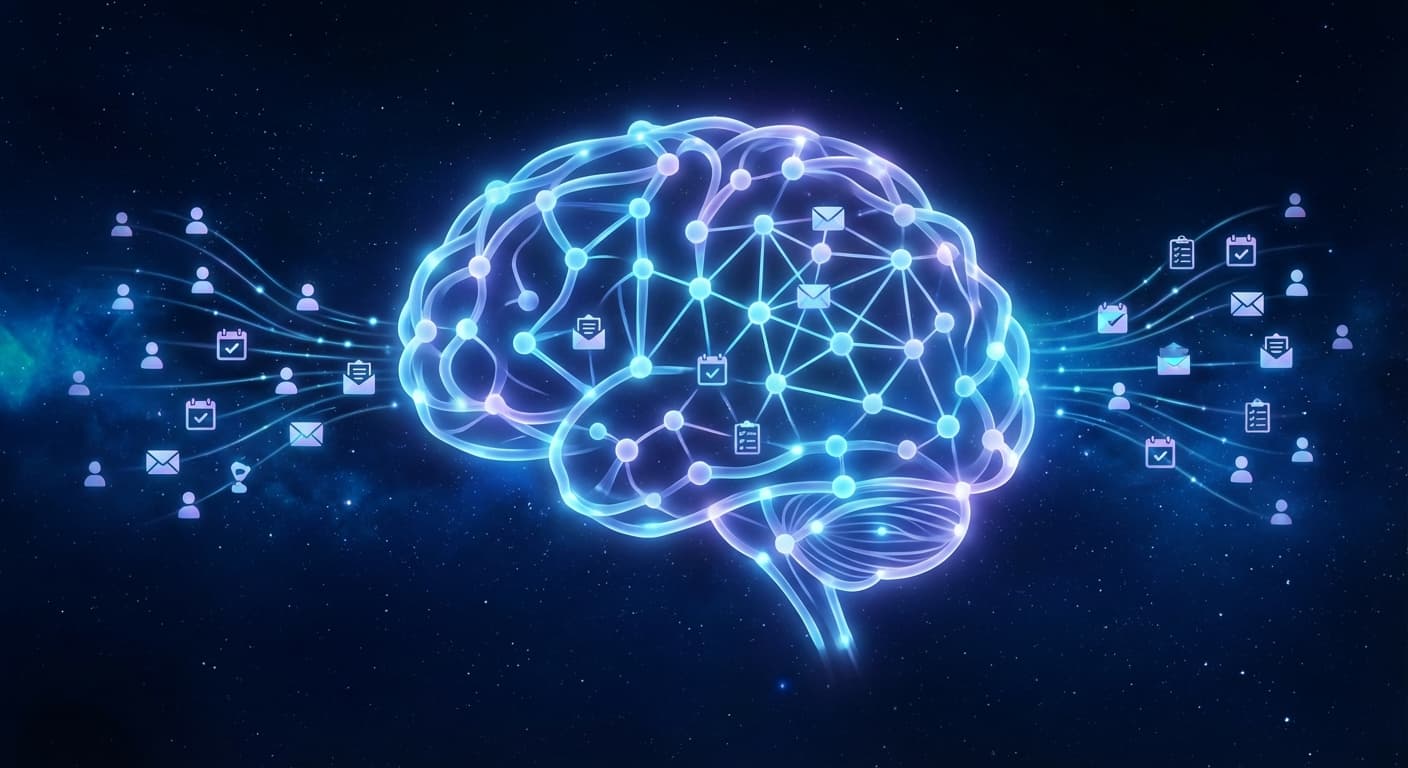
Every conversation is processed — the AI extracts key facts, preferences, and relationships
Facts are stored in a knowledge graph — structured data that persists across sessions
Relevant memories are retrieved — when you start a new conversation, the AI pulls in relevant context from your history
The result: your AI knows that you prefer morning meetings, that your project deadline is March 15th, and that your colleague Sarah handles the design work — without you repeating any of it.
What Gets Remembered
A good memory system captures:
Category
Examples
Preferences
Preferred communication style, favorite tools, dietary restrictions
Flat storage (just saving text) doesn't scale. A memory graph connects related information:
You → works at → Company X
You → manages → Project Alpha
Project Alpha → deadline → March 15
Project Alpha → involves → Sarah (design), Mike (engineering)
Sarah → email → sarah@company.com
You → prefers → morning meetings
You → uses → VS Code, Figma, Linear
When you ask "What's the status of my project?", the AI traverses the graph to pull in Project Alpha, its deadline, team members, and recent updates — all without you specifying which project.
Deploy your own AI assistant
ClawTank deploys OpenClaw for you — no servers, no Docker, no SSH. Free 14-day trial included.
docker exec -it openclaw openclaw config set supermemory.apiKey "your-supermemory-key"
Connect Telegram and start chatting. Memories build automatically over time.
Option 2: Managed Setup (Under 1 Minute)
ClawTank deploys OpenClaw with Supermemory pre-configured:
Choose your AI model
Paste your Telegram bot token
Sign in with Google
Supermemory is connected automatically. Start chatting and your assistant begins building its memory graph from day one.
What You Can Do With a Memory-Equipped Assistant
Morning briefings: "What's on my plate today?" — the AI checks your projects, deadlines, and calendar to give a personalized summary.
Contact management: "What's Sarah's email?" — no need to search through your contacts app.
Project tracking: "Update Project Alpha — we pushed the deadline to April 1st" — the memory graph updates automatically.
Preference recall: "Order my usual" — works if you've mentioned your usual coffee order, lunch spot, or supply reorder in a previous conversation.
Contextual responses: When you mention "the client," your assistant knows which client you're currently working with based on recent context.
Privacy Considerations
A system that remembers everything raises privacy questions:
Data location: Self-hosted means your memories stay on your server. Managed hosting means they're on the provider's infrastructure.
Encryption: Memories should be encrypted at rest. ClawTank encrypts all user data.
Deletion: You should be able to delete any memory at any time. Both self-hosted and managed OpenClaw support this.
Isolation: In multi-tenant setups, each user's memory graph must be completely isolated from others.
The Difference It Makes
After a few weeks of use, the experience shifts. You stop repeating yourself. You stop context-switching between apps to find information. Your AI assistant becomes genuinely personal — not a generic chatbot, but something that understands your world.
The technology for persistent AI memory exists today. The question is whether you want to set it up yourself or have it done for you.