What Is an AI Agent? The 2026 Guide for Non-Technical Users
|4 min read
Table of Contents
Haven't installed OpenClaw yet?
curl -fsSL https://openclaw.ai/install.sh | bash
iwr -useb https://openclaw.ai/install.ps1 | iex
curl -fsSL https://openclaw.ai/install.cmd -o install.cmd && install.cmd && del install.cmd
Worried it'll affect your machine? ClawTank — cloud deploy in 60s, zero risk to your files.
You've probably heard the term "AI agent" everywhere in 2026. But what does it actually mean, and why should you care?
AI Agent vs Chatbot: The Simple Difference
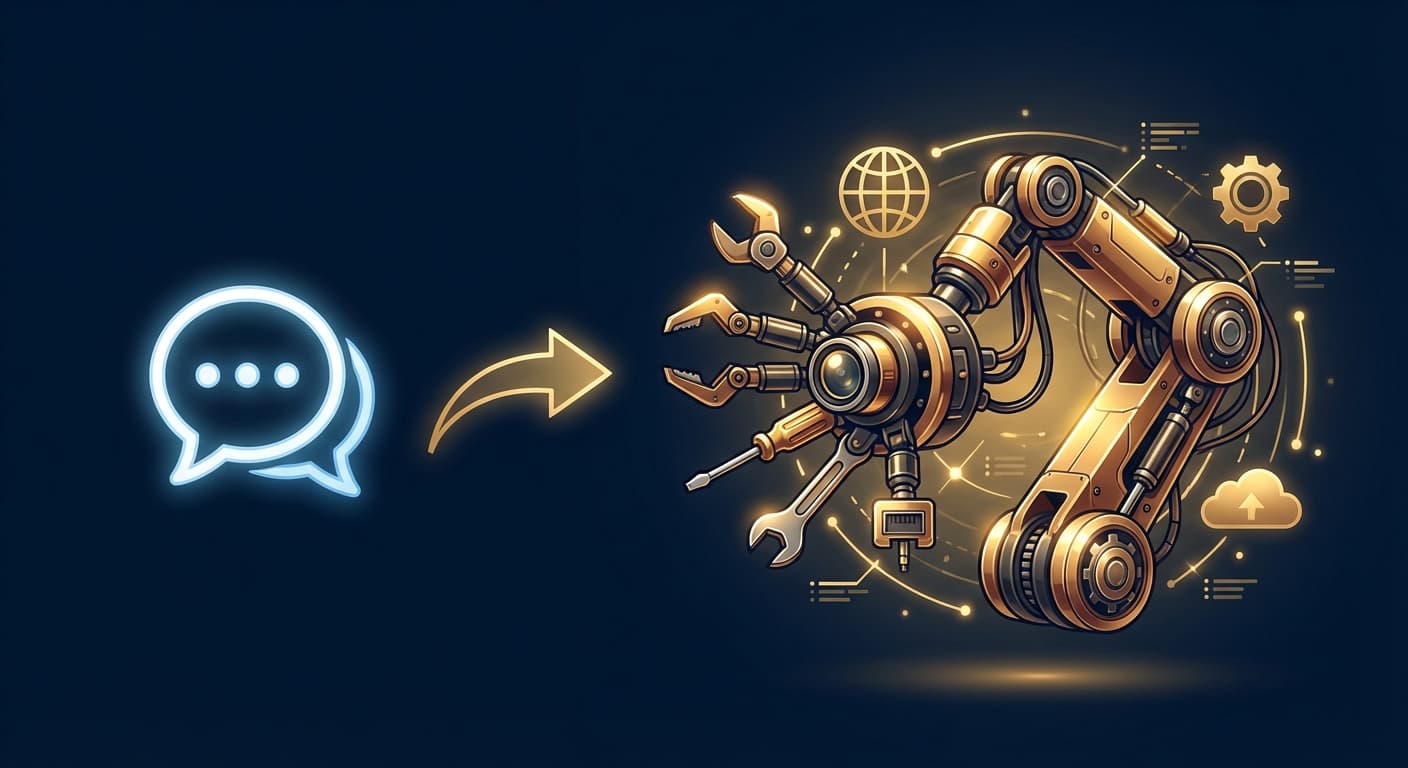
A chatbot waits for you to ask a question, then answers it. Think ChatGPT — you type, it responds, conversation over.
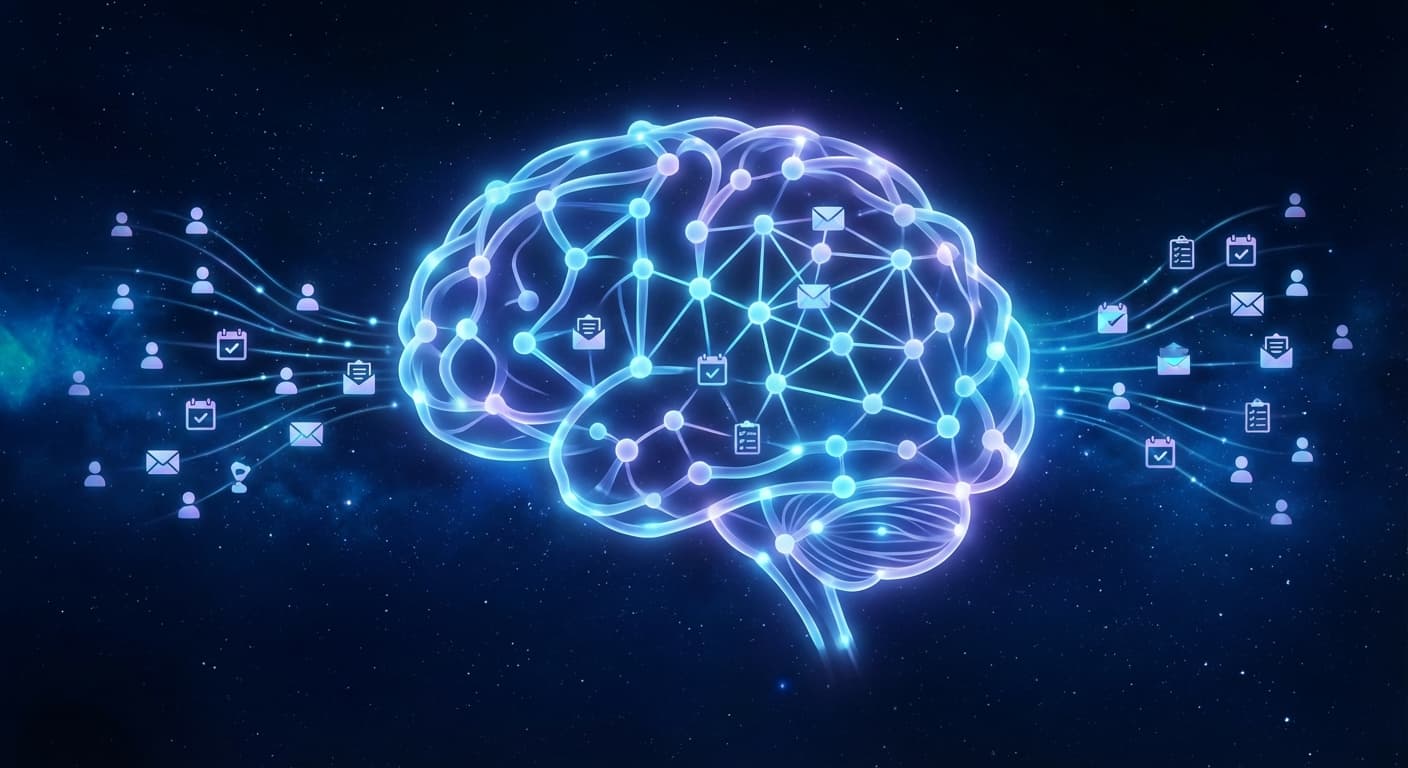
An AI agent does things on its own. It reads your email, checks your calendar, sends messages, monitors prices, and takes actions — without you asking every time.
Chatbot
AI Agent
You ask, it answers
Yes
Yes
It acts without being asked
No
Yes
Remembers past conversations
Sometimes
Always
Connects to your apps
No
Yes
Runs 24/7
No
Yes
Sends you messages first
No
Yes
The simplest way to think about it: a chatbot is a tool you use. An AI agent is an assistant that works for you.
What Can an AI Agent Actually Do?
Communication
Read and categorize your emails
Draft replies in your writing style
Send follow-up messages automatically
Summarize long chat threads
Scheduling
Check your calendar for conflicts
Suggest meeting times
Send reminders before events
Block focus time automatically
Research
Compare products and prices
Summarize articles and reports
Monitor news topics
Track competitor activity
Automation
Morning briefings with your day's agenda
Weekly summaries of what you accomplished
Price drop alerts for items you're watching
Routine tasks on a schedule
Personal
Track expenses from receipt photos
Manage to-do lists
Set reminders and alarms
Answer questions using context from past conversations
Why 2026 Is the Year of AI Agents
Three things came together:
Deploy your own AI assistant
ClawTank deploys OpenClaw for you — no servers, no Docker, no SSH. Free 14-day trial included.
AI models got good enough — Claude, GPT-4, and others can now reason, plan, and execute multi-step tasks reliably
The tools exist — Open-source frameworks like OpenClaw make it possible for anyone to run a personal AI agent
Messaging integration — AI agents now live in Telegram, WhatsApp, and Slack — apps you already use every day
You don't need to open a special app or website. Your AI agent is just another contact in your messaging app.
How to Get Your Own AI Agent
The most popular open-source AI agent is OpenClaw. It runs on a server and connects to your messaging apps.
The Easy Way
Deploy on ClawTank — managed hosting that sets everything up in under 1 minute. No technical knowledge needed.
Sign up
Choose your AI model
Connect Telegram
Start chatting with your AI agent
The Technical Way
Self-host OpenClaw on your own server using Docker. This requires Linux/Docker knowledge and ongoing maintenance.
Common Questions
Is it safe?
AI agents on managed platforms run in isolated containers. They can't access anything you don't explicitly connect. Your data stays on the server you choose.
How much does it cost?
Managed hosting plus AI model API costs typically run $15-30/month depending on usage. Much less than hiring a human assistant.
Will it replace my job?
No. AI agents handle repetitive, administrative tasks. They free you to focus on creative, strategic, and relationship-based work that AI can't do.
Do I need to be technical?
Not with managed hosting. If you can use Telegram, you can use an AI agent.
What if it makes a mistake?
AI agents aren't perfect. They occasionally get facts wrong or misunderstand instructions. For important actions (sending emails, making purchases), good agents ask for confirmation first.
Getting Started
The fastest way to experience an AI agent is to deploy one. ClawTank gets you a personal AI agent in under 1 minute — no Docker, no SSH, no configuration. Just connect Telegram and start chatting.
Enjoyed this article?
Get notified when we publish new guides and tutorials.