AI Agent vs AI Chatbot: What's the Real Difference? (2026 Guide)
|5 min read
Table of Contents
Haven't installed OpenClaw yet?
curl -fsSL https://openclaw.ai/install.sh | bash
iwr -useb https://openclaw.ai/install.ps1 | iex
curl -fsSL https://openclaw.ai/install.cmd -o install.cmd && install.cmd && del install.cmd
Worried it'll affect your machine? ClawTank — cloud deploy in 60s, zero risk to your files.
Everyone calls everything "AI" now. ChatGPT is an AI chatbot. OpenClaw is an AI agent. Siri is an AI assistant. They all use AI — but they're fundamentally different tools.
Here's the difference that actually matters.
The Simple Version
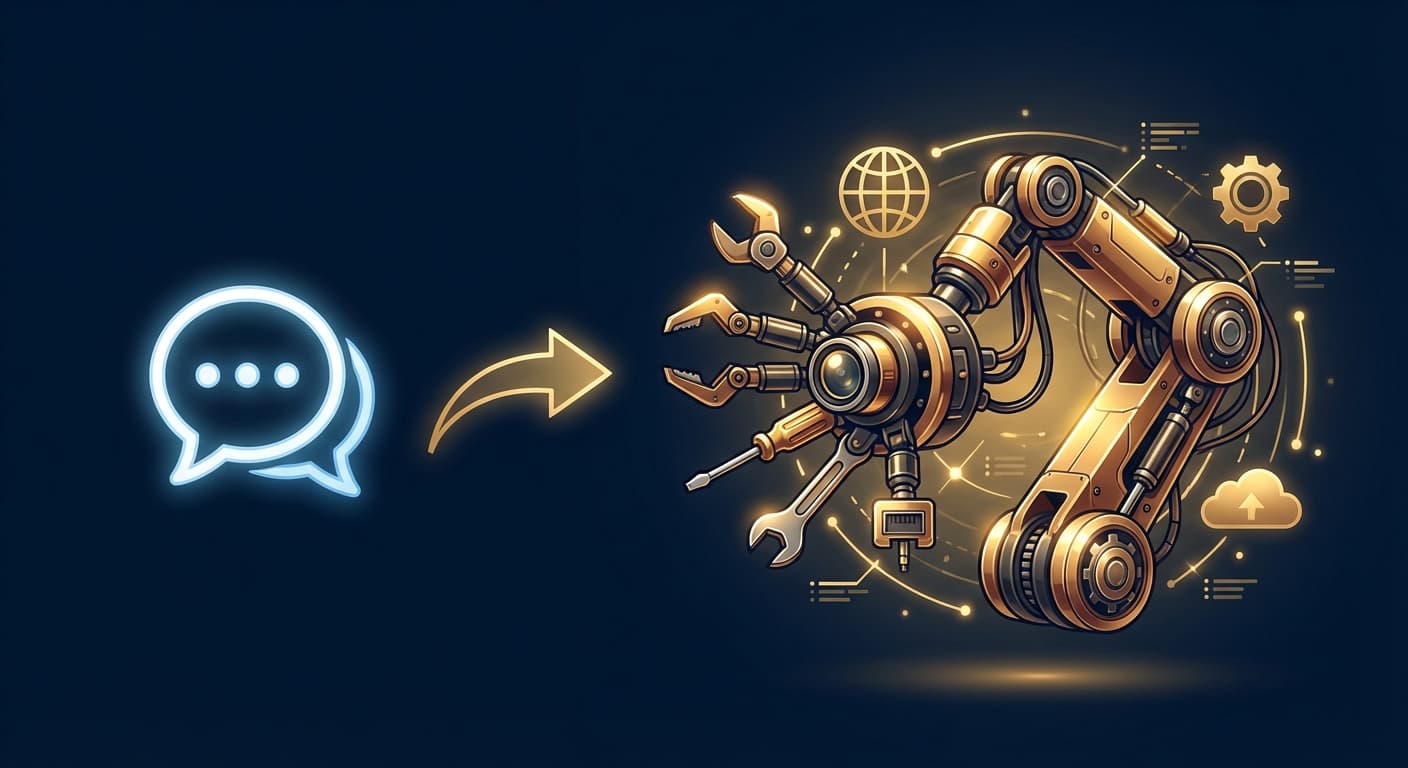
AI Chatbot: You ask a question, it answers. You close it, it stops.
AI Agent: You give it a goal, it figures out the steps, takes actions, and works until it's done — even while you sleep.
That's it. Chatbots respond. Agents act.
The Detailed Breakdown
AI Chatbot
A chatbot is a conversational interface. You type, it replies. The conversation is the product.
Characteristics:
Reactive — only responds when prompted
Stateless — forgets between sessions (mostly)
Single-turn or multi-turn conversation
No real-world actions — just generates text
Runs in a browser or app interface
Examples: ChatGPT, Claude (web), Gemini, Perplexity
What it's good at:
Answering questions
Writing drafts
Brainstorming ideas
Explaining concepts
Code generation
AI Agent
An agent is an autonomous system that perceives its environment, makes decisions, and takes actions to achieve goals.
Characteristics:
Proactive — can initiate actions without being asked
Chatbot: Waits for you to type something. Never reaches out.
Agent: Can send you a morning briefing at 7am, alert you when a competitor drops their price, or remind you about a deadline — without you asking.
2. Conversation vs Action
Chatbot: Generates text. That's the output.
Agent: Sends emails, creates calendar events, posts to Slack, manages files, calls APIs, browses the web. Text is just one possible output.
3. Session vs Continuous
Chatbot: Exists during your conversation. When you close the tab, it stops.
Agent: Runs 24/7. Works while you sleep. Monitors, automates, and acts around the clock.
4. Forgetting vs Remembering
Chatbot: Basic memory at best. Inconsistent recall between sessions.
Agent: Persistent memory. Remembers your projects, preferences, client details, and past conversations across weeks and months.
5. Single Tool vs Integrated System
Chatbot: Lives in one interface (browser, app).
Agent: Connects to your messaging apps, email, calendar, code repositories, smart home, and any API. It's a hub, not an endpoint.
Real-World Example
Task: "Monitor competing products and alert me if any drop below $50"
Chatbot response: "I can't monitor websites automatically. You'd need to check periodically and ask me to compare prices when you do."
Agent response: Sets up a daily check, scrapes competitor prices, compares against your threshold, and sends you a Telegram alert the moment a price drops below $50 — at 3am on a Tuesday while you're sleeping.
The Spectrum
It's not purely binary. AI tools exist on a spectrum:
Level
Type
Example
Capability
1
Basic Chatbot
Simple FAQ bot
Scripted responses
2
Smart Chatbot
ChatGPT, Claude
Contextual conversation
3
Assistant
Siri, Alexa
Limited actions (timers, weather)
4
Copilot
Microsoft Copilot
In-app AI assistance
5
Agent
OpenClaw, AutoGPT
Autonomous, multi-step, proactive
Most products marketed as "AI assistants" are actually Level 2-3. True agents (Level 5) are still rare — but growing fast. Searches for "AI agent" surged over 1,000% in the past year.
Why This Matters for You
If you need answers → Use a chatbot
ChatGPT, Claude, and Gemini are excellent for Q&A, writing, and one-off tasks. Open the app, get your answer, move on.
If you need an assistant → Use an agent
If you want proactive help, persistent memory, automation, and messaging integration — you need an agent. OpenClaw is the open-source option that runs on your server and lives in your Telegram.
The future is agentic
By 2026, Gartner predicts 40% of enterprise apps will include AI agents. The shift from "AI I talk to" to "AI that works for me" is happening now.
Getting Started with AI Agents
The easiest way to experience the difference: deploy OpenClaw on ClawTank in under 1 minute. Connect Telegram, set up a daily briefing, and see what happens when your AI doesn't just answer — it acts.
Enjoyed this article?
Get notified when we publish new guides and tutorials.