OpenClaw vs Google Gemini: Which AI Assistant Should You Pick in 2026?
|5 min read
Table of Contents
Haven't installed OpenClaw yet?
curl -fsSL https://openclaw.ai/install.sh | bash
iwr -useb https://openclaw.ai/install.ps1 | iex
curl -fsSL https://openclaw.ai/install.cmd -o install.cmd && install.cmd && del install.cmd
Worried it'll affect your machine? ClawTank — cloud deploy in 60s, zero risk to your files.
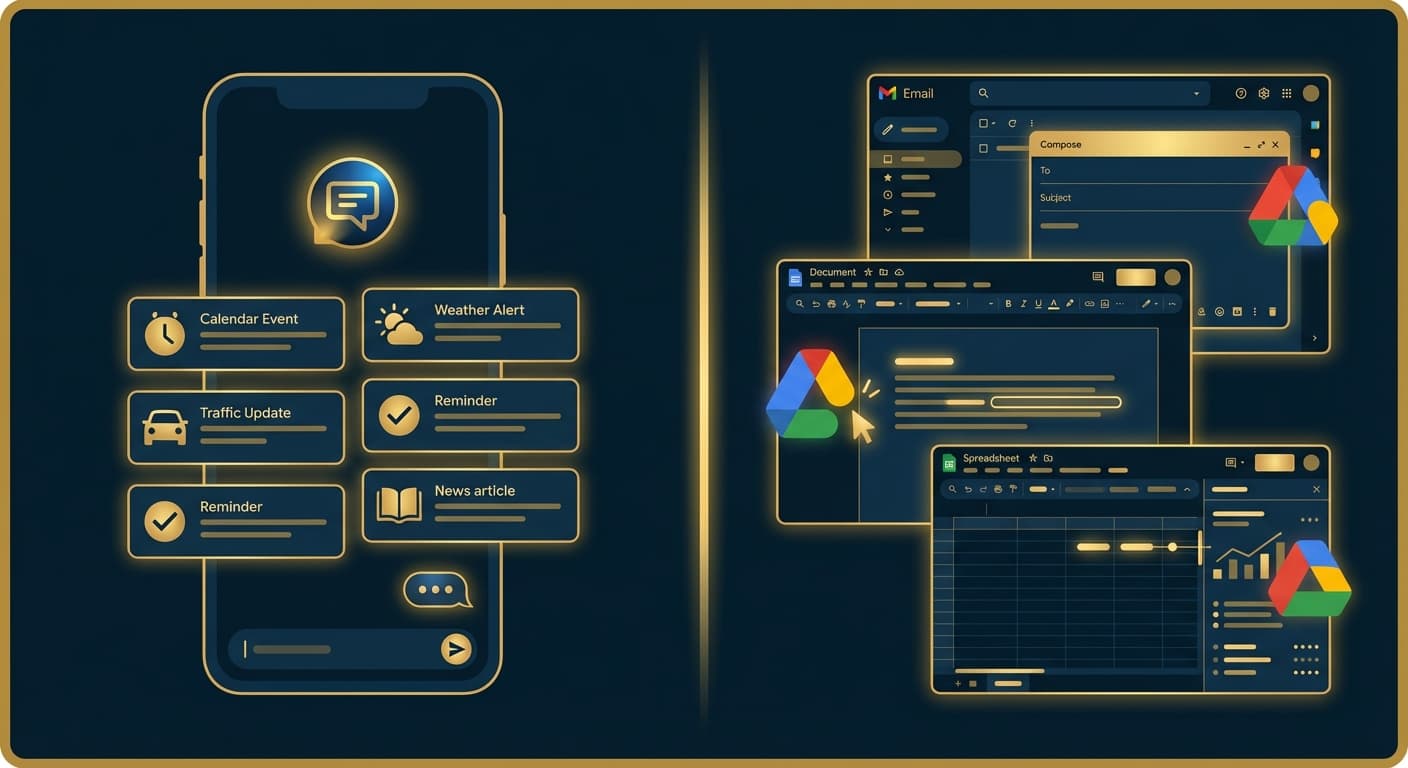
Google Gemini is the AI assistant woven into Gmail, Docs, and Search. OpenClaw is the AI assistant that lives in your Telegram. Both are AI assistants — but they live in completely different worlds.
Here's how to decide.
The Core Difference
Google Gemini is an AI layer on top of Google's products. It summarizes emails in Gmail, drafts documents in Docs, analyzes spreadsheets in Sheets, and answers questions in Search. It's powerful inside Google's ecosystem and limited outside it.
OpenClaw is a standalone AI agent that runs 24/7 on your server. It connects to your messaging apps, remembers your life, automates tasks proactively, and works across your entire digital world — not just one company's products.
Feature Comparison
Feature
OpenClaw
Google Gemini
Primary use
Personal AI agent
Google ecosystem AI
Access
Telegram, Slack, Discord, WhatsApp
Google apps, web, mobile
Always running
Yes — 24/7
No — activates in apps
Memory
Persistent long-term memory
Limited (per-conversation)
Proactive
Yes — sends updates unprompted
No — responds when asked
Open source
Yes
No
Self-hosting
Yes
No
Google integration
Via skills/MCP
Native (Gmail, Docs, Sheets, Calendar)
AI model
Any (Claude, GPT, DeepSeek, etc.)
Gemini models only
Context window
Configurable
32K (free) / 1M (Pro)
Automation
Full — files, APIs, web, cron jobs
Limited to Google workflows
Data privacy
Your server, your data
Google cloud
Cost
$5-30/mo (API usage)
Free / $19.99/mo (Pro)
Where Gemini Wins
Google Workspace Integration
If your work lives in Gmail, Docs, and Sheets, Gemini is seamless. Summarize email threads, draft responses, create documents from prompts, analyze spreadsheet data — all without leaving the apps.
Massive Context Window
Gemini Pro offers a 1 million token context window — enough to process entire codebases or book-length documents in one go. This is unmatched for document-heavy workflows.
Deploy your own AI assistant
ClawTank deploys OpenClaw for you — no servers, no Docker, no SSH. Free 14-day trial included.
Gemini's free version is generous — 50 AI credits per day for images, access to current models, and integration across Google products. For casual use, you might never need to pay.
Real-Time Web Access
Gemini connects to Google Search natively, providing current information without needing plugins or skills. Ask about today's weather, stock prices, or breaking news — instant answers.
Free for Students
College students get Gemini Pro free for a year — including the 1M token context window and all premium features.
Where OpenClaw Wins
Messaging-First Experience
OpenClaw lives in Telegram. Message it from your phone while walking, cooking, or commuting. No browser, no app switching. Gemini requires opening a Google app or going to gemini.google.com.
Persistent Memory
OpenClaw remembers everything — your projects, preferences, deadlines, client details — across weeks and months. It writes daily journals. Gemini's memory resets with each conversation (free tier) or retains limited context (Pro).
Proactive Behavior
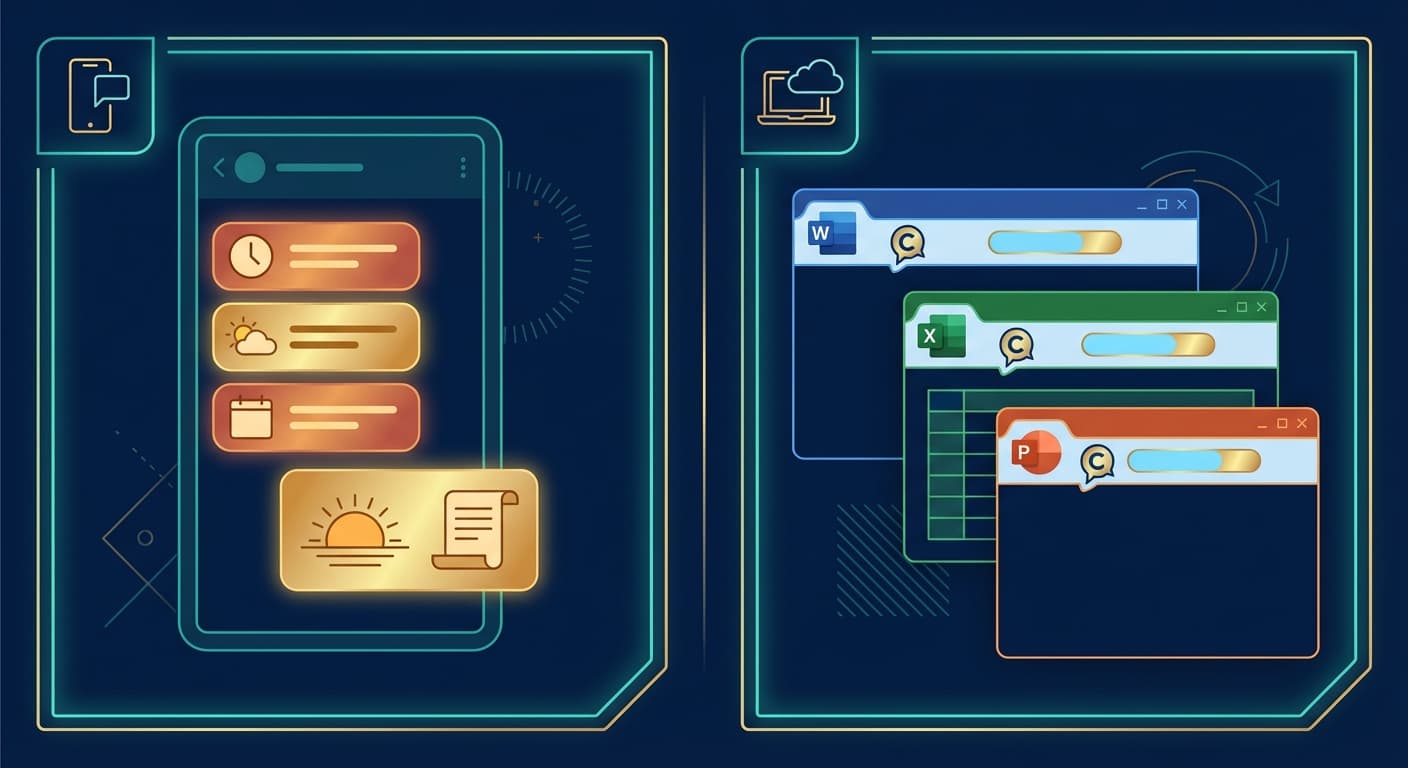
OpenClaw sends you updates without being asked — morning briefings, deadline reminders, status alerts. Gemini only responds when you invoke it. This is the difference between an assistant and a tool.
Model Freedom
Use Claude for writing, DeepSeek for cost savings, GPT-4o for versatility — switch anytime. Gemini locks you into Google's models. When a better model comes out from another provider, OpenClaw users switch immediately.
Full Automation
Set up cron jobs, monitor websites, auto-organize data, trigger workflows on schedule. OpenClaw has real system access — file management, web browsing, API calls. Gemini can only operate within Google's sandbox.
Works Beyond Google
OpenClaw integrates with everything — GitHub, Notion, smart home devices, any API. Gemini is powerful in Google's world but limited outside it. If your stack isn't Google-centric, Gemini's advantages disappear.
Privacy & Data Ownership
OpenClaw runs on your server. Your conversations don't train anyone's model. Your data doesn't sit in Google's cloud. For privacy-conscious users, this is decisive.
Who Should Choose What
Choose Gemini if:
Your work lives in Google Workspace (Gmail, Docs, Sheets)
You want a free AI assistant with no setup
You need massive context windows for large documents
You're a student (free Pro for a year)
Privacy isn't a primary concern
Choose OpenClaw if:
You want AI in your messaging apps (Telegram, WhatsApp)
Persistent memory across conversations matters
You need proactive notifications and daily briefings
You want to choose your AI model
You work across many ecosystems, not just Google
Privacy and data ownership are priorities
Use Both if:
Gemini for Google Workspace tasks (email, docs, sheets)
OpenClaw for everything else (messaging, automation, reminders)
They complement each other — Gemini inside Google, OpenClaw everywhere else
Getting Started
If you want an AI assistant that goes beyond Google's walls — one that lives in your messaging apps, remembers your life, and works proactively — ClawTank deploys OpenClaw in under 1 minute. Connect Telegram, pick your AI model, and you're live.
Enjoyed this article?
Get notified when we publish new guides and tutorials.