OpenClaw's persistent memory is what separates it from ChatGPT and other chatbots. After a week of use, it knows your preferences, schedule, clients, and communication style. Here's how it works under the hood.
Why Memory Matters
Without memory, every conversation starts from zero. You'd need to re-explain who you are, what you do, and what you want — every single time.
With persistent memory, OpenClaw builds up context over time:
- Week 1: Knows your name, job, basic preferences
- Week 2: Knows your clients, schedule patterns, writing style
- Week 3: Anticipates your needs based on context
- Month 2+: Feels like a real assistant who knows you
The Memory Architecture
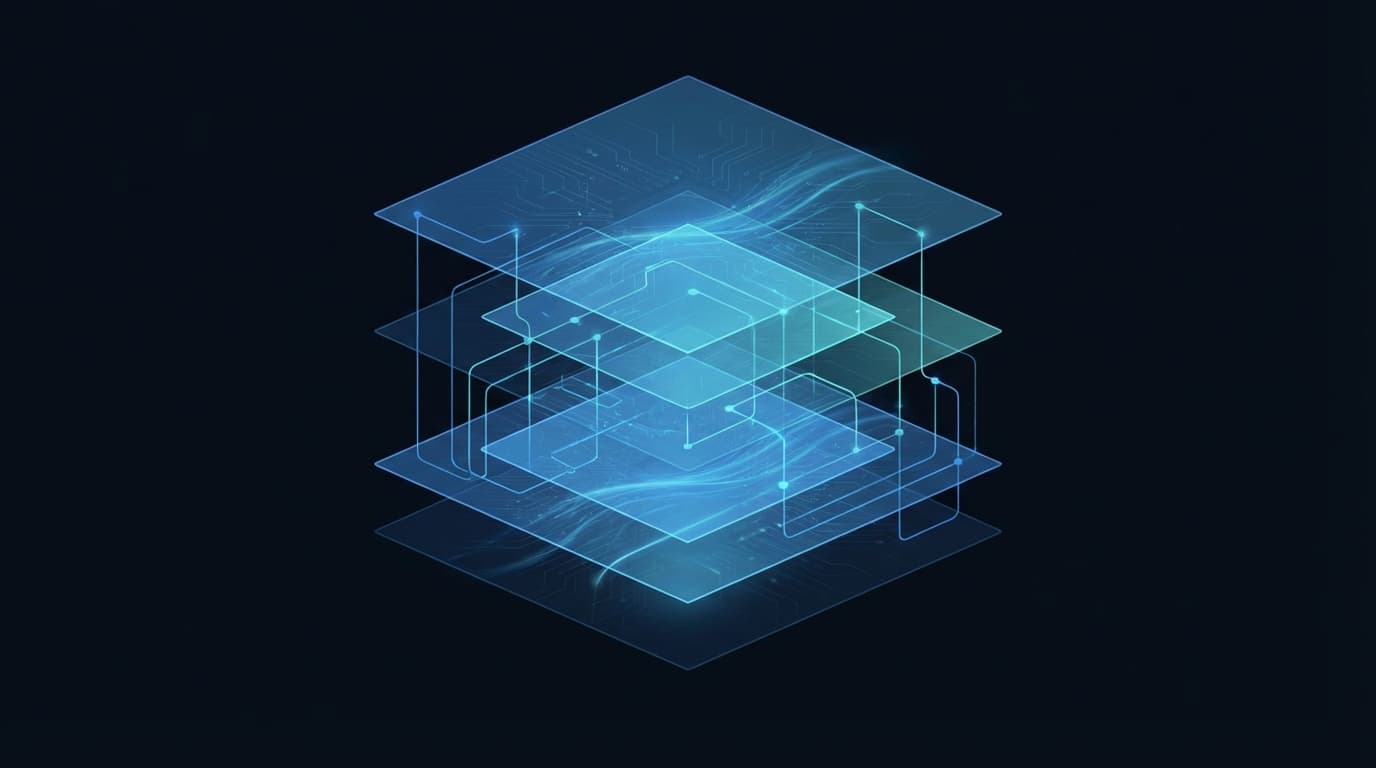
OpenClaw uses a hybrid approach with multiple layers:
Layer 1: Markdown Knowledge Files
The foundation. OpenClaw stores structured knowledge in Markdown files on disk:
SOUL.md— personality, communication style, core instructionsmemories/— categorized knowledge about you, your work, preferences
These files are human-readable and editable. You can open them, review what OpenClaw knows, and correct anything.
Layer 2: Conversation Summaries
After each conversation, OpenClaw creates a summary of key information. These summaries are compressed and indexed for retrieval.
Layer 3: SQLite + Vector Search (RAG)
For efficient retrieval, memories are indexed in SQLite with both:
- BM25 search — keyword-based matching (fast, precise)
- Vector embeddings — semantic similarity matching (finds related concepts)
When you ask a question, OpenClaw searches both indexes to find relevant memories.
How Memory Retrieval Works
When you send a message:
- OpenClaw analyzes your message for key topics
- It searches the memory index (BM25 + vector) for relevant context
- Retrieved memories are injected into the conversation context
- The AI model responds with full context awareness
This happens transparently — you just chat normally, and OpenClaw pulls in relevant background automatically.
Managing Your Memory
Adding Memories
Tell OpenClaw to remember things:
"Remember: I'm allergic to shellfish" "Remember: Client A's project deadline is March 15th" "Remember: I prefer morning meetings before 10 AM"
Reviewing Memories
Ask what it knows:
"What do you know about Client A?" "What are my food preferences?"
Correcting Memories
"Actually, the deadline moved to March 22nd. Update your memory." "Forget what I said about preferring mornings — I'm flexible now."
Using /remember
The /remember command in Telegram explicitly stores information:
/remember My WiFi password is written on the router/remember The office printer IP is 192.168.1.100
Memory + Supermemory
For advanced users, the Supermemory plugin adds a graph-based memory layer on top of OpenClaw's native memory. It creates an interconnected knowledge graph that visualizes relationships between memories.
This is particularly useful for:
- Complex project management with many interconnected pieces
- Research where connections between topics matter
- Business contexts with many clients, projects, and relationships
Memory and Privacy
All memory is stored locally on your OpenClaw server (or your ClawTank container). Memories are never sent to third parties. You have full control:
- Read any memory file directly
- Delete specific memories
- Wipe all memory and start fresh
- Export your memory data
Tips for Better Memory
Be Explicit
Instead of hoping OpenClaw picks up context, tell it directly:
"Remember: When I mention 'the project', I mean the website redesign for Company X"
Organize with Categories
"Remember under 'clients': Company X contact is John (john@example.com), prefers email over calls"
Regular Review
Periodically ask: "Summarize what you know about me." Correct anything outdated.
Don't Overload
Quality over quantity. A few well-structured memories are more useful than hundreds of fragmented ones.
Memory on ClawTank
ClawTank preserves your AI's memory across container restarts and rebuilds. The Memory tab in the dashboard lets you visualize your knowledge graph. Your memories are tied to your account, not the container — rebuild anytime without losing context.
Get Started
Deploy on ClawTank and start building your AI assistant's memory. The longer you use it, the smarter it gets.